Core Concepts of System Design
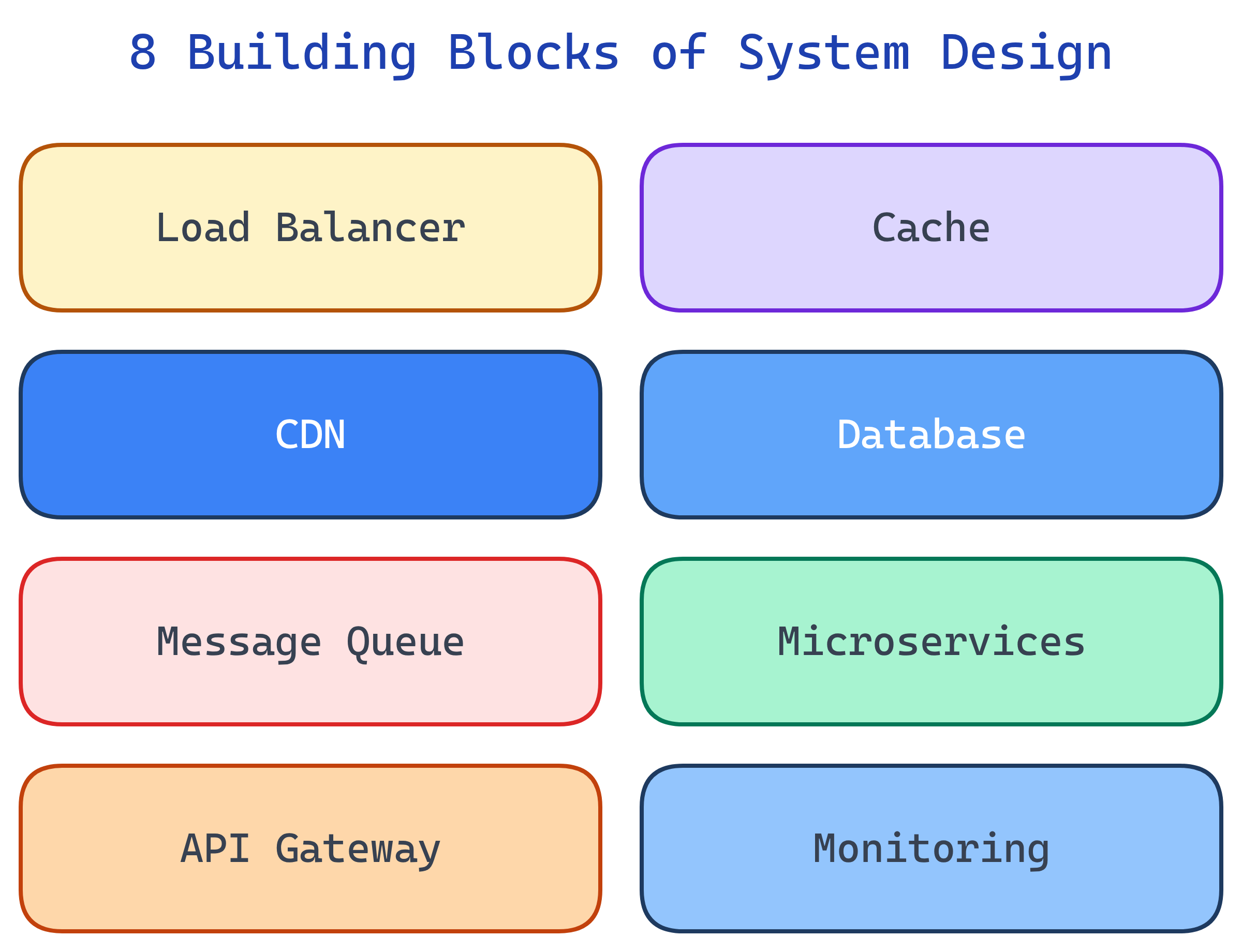
System Design has 8 building blocks: Load Balancers (distribute traffic), Caching (speed up reads), CDNs (serve static content), Databases (store data), Message Queues (decouple services), Microservices (split by domain), API Design (define interfaces), and Monitoring (observe everything).
The Big Picture
Every distributed system is built from these eight components. Master them and you can design anything from a URL shortener to a global chat platform.
Explain Like I'm 12
A system is like a restaurant. The host is the Load Balancer (seats people at different tables). The kitchen has Caches (pre-made appetizers for fast service). The menu is the API (what you can order). The walk-in fridge is the Database. The order tickets are Message Queues. Each station (grill, salad, dessert) is a Microservice. The delivery truck is the CDN. And the manager watching everything is Monitoring.
Cheat Sheet
| Component | What It Does | When to Use | Example |
|---|---|---|---|
| Load Balancer | Distributes traffic across servers | Multiple servers, high traffic | Nginx, AWS ALB |
| Cache | Stores frequently accessed data in memory | Read-heavy workloads | Redis, Memcached |
| CDN | Serves static files from edge locations | Images, CSS, JS, videos | CloudFront, Cloudflare |
| Database | Persists data durably | All systems | PostgreSQL, MongoDB |
| Message Queue | Async communication between services | Decoupling, background jobs | Kafka, RabbitMQ, SQS |
| Microservices | Independent, deployable services | Large teams, complex domains | Docker + K8s |
| API Gateway | Single entry point, routing, auth | Multiple microservices | Kong, AWS API GW |
| Monitoring | Metrics, logs, alerts, tracing | Always (not optional) | Prometheus, Grafana, Datadog |
The 8 Building Blocks
Load Balancers
A load balancer sits between clients and your servers. Its job: distribute incoming requests across multiple servers so no single machine gets overwhelmed.
Common algorithms:
- Round-robin — Send each request to the next server in sequence. Simple, works when servers are identical.
- Least connections — Send to the server with the fewest active connections. Better for uneven workloads.
- IP hash — Hash the client's IP to pick a server. Same client always hits the same server (session stickiness).
There are two layers: L4 (transport) load balancers route based on IP/port (faster, simpler). L7 (application) load balancers inspect HTTP headers, URLs, and cookies (smarter routing, SSL termination).
Health checks continuously ping each server. If a server stops responding, the load balancer removes it from the pool. Without a load balancer, you have a single point of failure.
Caching
Caching stores computed results in fast memory so you don't have to recompute or re-fetch them. The difference between a 200ms database query and a 1ms cache hit is the difference between a fast app and a slow one.
Three caching strategies:
- Cache-aside — App checks cache first. Cache miss? Fetch from DB, write to cache, return. Most common pattern.
- Write-through — Write to cache AND database simultaneously. Consistent but slower writes.
- Write-back — Write to cache only, async flush to DB later. Fast writes, risk of data loss if cache crashes.
TTL (Time to Live) sets an expiration on cached data. Cache invalidation — knowing when to remove stale data — is famously "one of the two hard things in computer science."
Redis: In-memory key-value store, supports data structures (lists, sets, sorted sets, hashes). Memcached: Simpler, multi-threaded, pure key-value. Redis is the default choice for most modern systems.
CDNs (Content Delivery Networks)
A CDN serves static content (images, CSS, JS, videos) from servers geographically close to users. Instead of every request hitting your origin server in Virginia, a user in Tokyo gets content from a Tokyo edge server.
Two types:
- Push CDN — You upload content to the CDN proactively. Good for content that doesn't change often.
- Pull CDN — CDN fetches from your origin on the first request, then caches it. Simpler to set up, lazy population.
CDNs reduce latency, offload traffic from your origin server, and provide DDoS protection. Every production website should use one. Major providers: Cloudflare, CloudFront (AWS), Akamai, Fastly.
Databases
Databases are where your data lives permanently. The biggest design decision is choosing the right type for your data model and access patterns.
- SQL (Relational) — Tables, rows, joins, ACID transactions. PostgreSQL, MySQL. Choose when data has relationships and you need consistency.
- Document — JSON-like flexible schemas. MongoDB. Choose for content, catalogs, and user profiles where schema varies.
- Key-Value — Simple get/set by key. Redis, DynamoDB. Choose for caching, sessions, and config.
- Wide-Column — Rows with dynamic columns. Cassandra, HBase. Choose for time-series data and high write throughput.
- Graph — Nodes and edges. Neo4j. Choose for social networks, recommendations, and relationship-heavy queries.
Message Queues
Message queues decouple producers (services that create work) from consumers (services that process work). Instead of Service A calling Service B directly and waiting, Service A drops a message on a queue and moves on. Service B picks it up when it's ready.
Key technologies:
- Apache Kafka — Event streaming platform. High throughput, ordered within partitions, durable. Use for event-driven architectures, activity feeds, and log aggregation.
- RabbitMQ — Traditional message broker. Flexible routing, multiple protocols, acknowledgments. Use for task queues and RPC patterns.
- Amazon SQS — Fully managed queue service. No infrastructure to manage. Use for simple decoupling in AWS environments.
Use message queues for: async processing, buffering traffic spikes, event-driven architecture, and ensuring work gets done even if a consumer is temporarily down.
Microservices
Microservices architecture splits a monolithic application into small, independent services organized by business domain. Each service owns its own data, deploys independently, and communicates via APIs or events.
Benefits:
- Independent deployments — Ship the payment service without touching the user service.
- Team autonomy — Each team owns a service end-to-end (code, data, deployment).
- Technology freedom — One service can use Python, another Go, another Node.js. Pick the best tool for each problem.
- Fault isolation — If the recommendation service crashes, the checkout service keeps working.
Costs:
- Network complexity — Every service call is a network call. Latency, timeouts, and retries matter.
- Distributed debugging — Tracing a request across 10 services is harder than reading one stack trace.
- Data consistency — No more single database transactions across services. You need eventual consistency patterns (sagas, outbox).
API Design
APIs define how services communicate. The three dominant styles:
- REST — Resource-based, HTTP verbs (GET, POST, PUT, DELETE). The default for most systems. Simple, well-understood, cacheable.
- GraphQL — Client specifies exactly which fields it needs. Reduces over-fetching. Good for mobile clients with bandwidth constraints.
- gRPC — Binary protocol (Protocol Buffers), strongly typed, fast. Best for internal service-to-service communication where latency matters.
Regardless of style, good API design includes:
- Rate limiting — Prevent abuse and protect backend resources.
- Pagination — Never return unbounded lists. Use cursor-based pagination for large datasets.
- Versioning —
/v1/usersvs/v2/users. Let clients migrate at their own pace. - Idempotency — Retrying the same request produces the same result. Critical for payment APIs.
Monitoring & Observability
You can't fix what you can't see. Monitoring tells you when something is wrong. Observability tells you why. The three pillars:
- Metrics — Numbers over time. Request count, latency (p50/p95/p99), error rate, CPU usage, memory. Tools: Prometheus, CloudWatch, Datadog.
- Logs — Text records of what happened. Structured JSON logs are searchable; unstructured plain text is not. Tools: ELK Stack (Elasticsearch, Logstash, Kibana), Loki.
- Traces — Follow a single request as it flows across services. See where time is spent, where errors occur. Tools: Jaeger, Zipkin, AWS X-Ray.
Alerts trigger when metrics cross thresholds (e.g., error rate > 1%, p99 latency > 500ms). Good alerts are actionable — they tell you what's wrong and what to do.
Test Yourself
What's the difference between L4 and L7 load balancers?
/api to one server pool and /static to another) and handle SSL termination.Name the three caching strategies and when to use each.
When would you choose a NoSQL database over SQL?
What are the three pillars of observability?
What's the difference between REST, GraphQL, and gRPC?