What is Frontend Development?
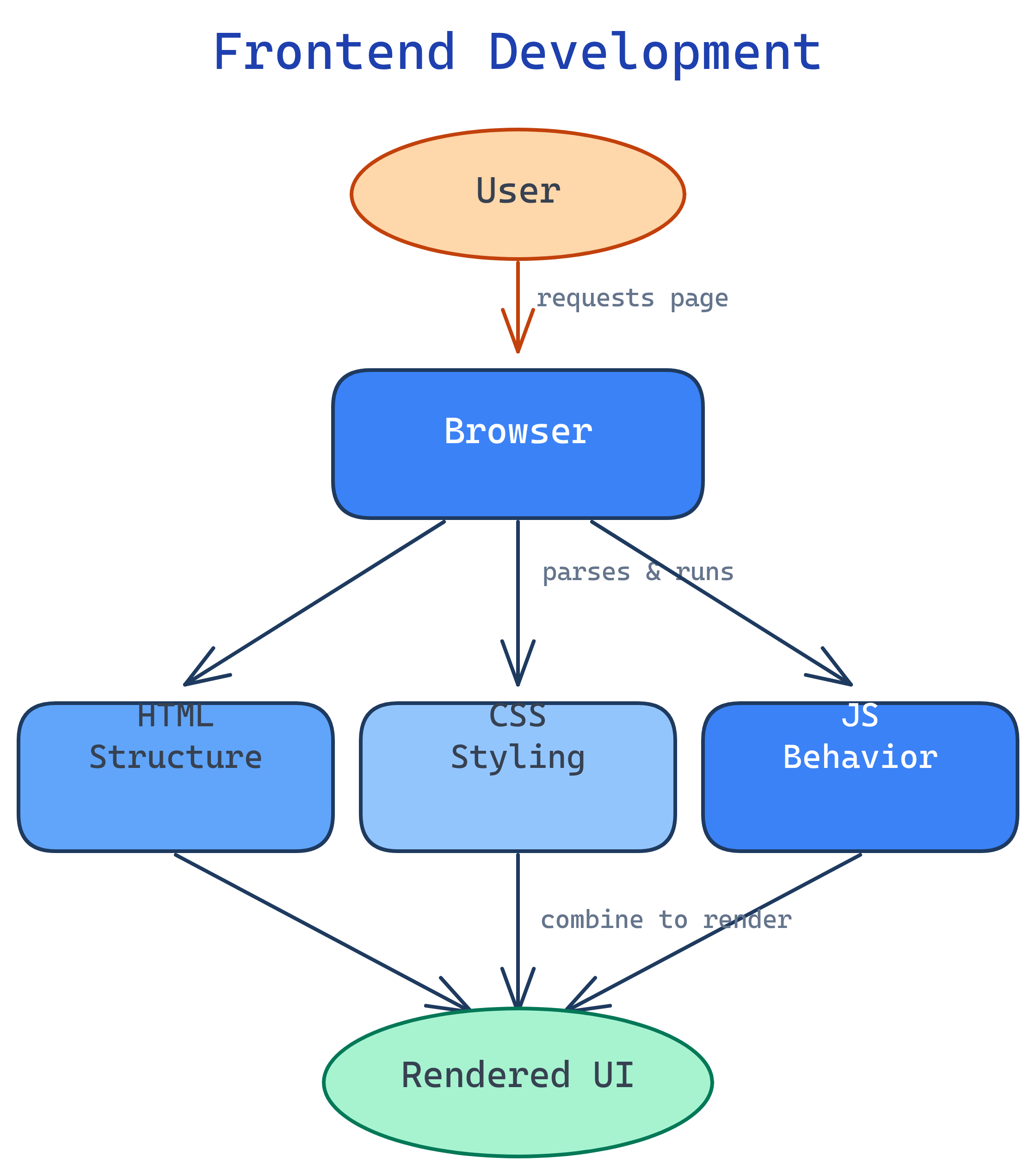
Frontend development is everything the user sees and interacts with in a browser. It’s built with three core technologies: HTML (structure), CSS (styling), and JavaScript (behavior). If backend is the kitchen, frontend is the dining room.
The Big Picture
Every website and web app you’ve ever used — Google, YouTube, Amazon, Twitter — has a frontend. It’s the layer between the user and the server. The browser downloads HTML, CSS, and JavaScript, then renders pixels on screen that people can click, scroll, type into, and interact with.
Explain Like I'm 12
Imagine building a house. HTML is the walls, floors, and rooms — the structure. CSS is the paint, furniture, and decorations — how it looks. JavaScript is the electricity, plumbing, and smart home gadgets — things that do stuff when you interact with them.
A frontend developer is like an interior designer + electrician. They make sure the house looks great AND that the light switches, doorbell, and thermostat all work when you use them.
What is Frontend Development?
Frontend development (also called client-side development) is the practice of building user interfaces for the web. Everything that runs in the browser is “frontend”:
- HTML — defines the content and structure (headings, paragraphs, forms, images)
- CSS — controls the visual presentation (colors, fonts, layout, animations)
- JavaScript — adds interactivity and dynamic behavior (click handlers, API calls, state management)
These three technologies are the only languages browsers understand natively. Everything else — React, TypeScript, Sass, Tailwind — ultimately compiles down to HTML, CSS, and JS.
Why Learn Frontend Development?
- Instant feedback — write code, refresh the browser, see the result in seconds
- Massive job market — every company with a website needs frontend developers
- Low barrier to entry — all you need is a browser and a text editor to start
- Creative + technical — combine design thinking with programming logic
- Gateway to fullstack — frontend knowledge pairs naturally with backend skills
Who is it for?
| You are… | Frontend helps you… |
|---|---|
| Complete beginner | Build your first website from scratch |
| Backend developer | Understand how your APIs get consumed by the UI |
| Designer | Bring your designs to life with real code |
| Data professional | Build dashboards and data visualizations |
| Career switcher | Enter tech with the most visual, approachable discipline |
The Frontend Landscape
The frontend ecosystem has grown massively. Here’s how it all fits together:
| Layer | Core Tech | Modern Tools |
|---|---|---|
| Structure | HTML5 | JSX, templating engines |
| Styling | CSS3 | Sass, Tailwind CSS, CSS Modules |
| Behavior | JavaScript (ES6+) | TypeScript, React, Vue, Svelte |
| Build Tools | Browser DevTools | Vite, webpack, esbuild |
| Testing | Manual testing | Jest, Playwright, Cypress |
| Deployment | Static hosting | Vercel, Netlify, Cloudflare Pages |
What You’ll Learn
This topic walks you through frontend development from the fundamentals to production-ready skills:
Test Yourself
What are the three core technologies of frontend development and what does each one do?
What is the difference between frontend and backend development?
Why do tools like React, TypeScript, and Sass exist if browsers only understand HTML, CSS, and JS?
Can you build a complete website with just HTML and CSS (no JavaScript)?